
How to Unhide dAUD & dNZD on Base App
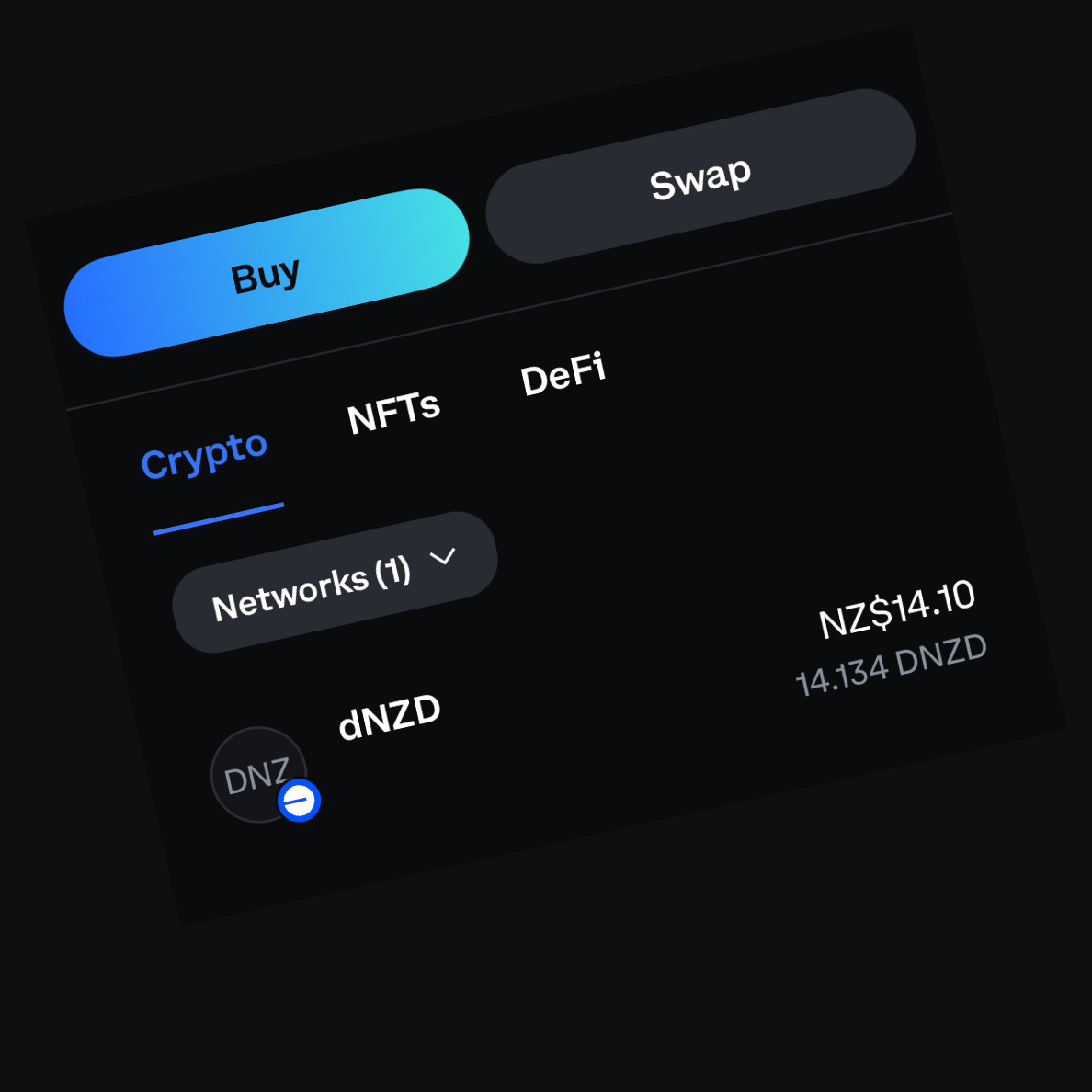
Sometimes the Base app hides certain tokens by default. If you cannot see your dAUD or dNZD balance, do not panic. Your funds are still there. You just need to unhide them!
Here is how to do it, and you only have to do it once:
Open the Base app and go to Settings ⚙️
Right below “Wallets” will be the wallet profile you are using, select it.
Select “Hide Assets”
Scroll down to find dAUD and/or dNZD.
Unhide by tapping the eye icon 👁️
Enjoy the freedom to use, send & earn your money on your terms, not theirs.
Disclaimer: dNZD is issued by NewMoney NZ Nominee Limited. NewMoney NZ Nominee Limited does not operate, and does not take responsibility for the Pay It Now Network, the Pay It Now staking platform, or any onboarding, payment, swap, staking, or other services provided by Pay It Now or its service providers. Nothing in this guide constitutes financial advice. Users should make their own decisions and ensure they understand the risks involved in acquiring, holding, or staking digital assets.